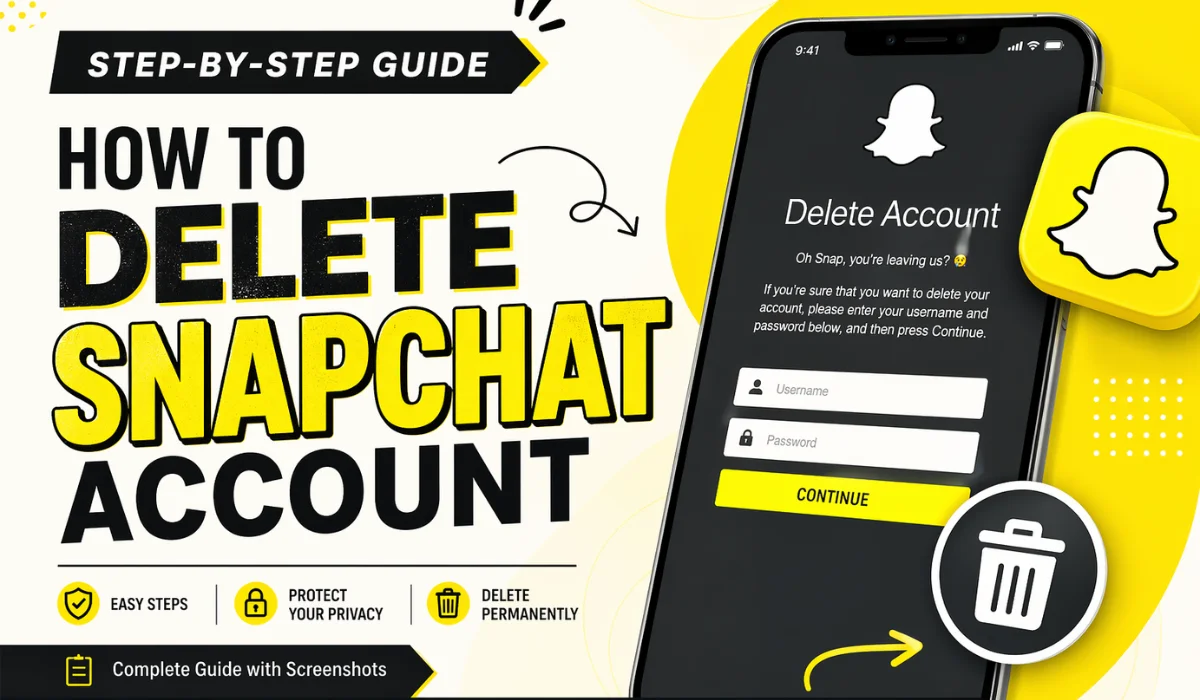
How to Delete Snapchat Account
In today’s digital world, social media platforms come and go in our daily routines. While apps like Snapchat are fun and engaging, there may come a time when you decide it’s best to step away. Whether you want to protect your privacy, reduce screen time, or simply move on, deleting your Snapchat account is a straightforward process—if you know the right steps.
This comprehensive guide will walk you through everything you need to know about deleting your Snapchat account, including important precautions, step-by-step instructions, and what happens after deletion.
Why People Choose to Delete Snapchat
Before jumping into the process, it’s helpful to understand why users decide to delete their accounts. Everyone has different reasons, but some of the most common include:
1. Privacy Concerns
Snapchat collects user data like location, contacts, and usage behavior. Many users feel uncomfortable sharing this information.
2. Digital Detox
Spending too much time on social media can impact mental health. Deleting Snapchat helps reduce distractions.
3. Too Many Notifications
Constant alerts and messages can become overwhelming.
4. Switching Platforms
Some users simply move to other platforms like Instagram or WhatsApp.
5. Personal Reasons
Breakups, lifestyle changes, or a desire for simplicity often lead to account deletion.
Important Things to Know Before Deleting Snapchat
Deleting your Snapchat account is not instant. There are a few key things you should understand first:
1. 30-Day Deactivation Period
When you delete your account, it is first deactivated for 30 days. During this time:
- Your account is not visible to others
- You can still recover it by logging back in
After 30 days, your account is permanently deleted.
2. Data Will Be Lost
Once permanently deleted:
- All snaps, chats, and memories will be erased
- Your friends list will be removed
3. Backup Your Data
If you want to keep your data, download it before deleting your account.
How to Download Your Snapchat Data
Before deleting your account, you may want to save your information.
Steps to Download Data:
- Open Snapchat
- Tap your profile icon
- Go to Settings
- Scroll down to My Data
- Log in again if prompted
- Select the data you want
- Click Submit Request
Snapchat will email you a download link once your data is ready.
How to Delete Snapchat Account (Step-by-Step)
You cannot delete your Snapchat account directly from the app settings. Instead, you must use a browser.
Method 1: Delete via Browser
Step 1: Visit the Snapchat Accounts Portal
Go to the official Snapchat account management page.
Step 2: Log In
Enter your username and password.
Step 3: Confirm Deletion
You will see a page asking you to confirm account deletion.
- Re-enter your login details
- Click Continue
Step 4: Account Deactivated
Your account will now be deactivated for 30 days.
Method 2: Delete via Snapchat App (Indirect Way)
While the app doesn’t allow direct deletion, you can access the portal through it:
- Open Snapchat
- Tap your profile icon
- Go to Settings
- Scroll down and tap I Need Help
- Search for “Delete Account”
- Tap the link provided
- Follow the same steps as above
What Happens After You Delete Your Account?
Understanding what happens next is important.
During the 30-Day Deactivation Period:
- Your account is hidden
- Friends cannot contact you
- Your username cannot be searched
After 30 Days:
- Account is permanently deleted
- All data is erased
- Username may become available again
How to Reactivate Your Snapchat Account
Changed your mind? No problem.
Steps to Reactivate:
- Open Snapchat
- Log in with your username and password
- Wait for confirmation
Your account will be restored within a few hours (sometimes up to 24 hours).
Common Problems and Solutions
Sometimes users face issues while deleting their account. Here are common problems and how to fix them:
1. Forgot Password
- Click “Forgot Password”
- Reset via email or phone
2. Cannot Access Email
- Try phone number recovery
- Contact Snapchat support
3. Account Locked
- Wait 24–48 hours
- Avoid multiple login attempts
Tips Before Deleting Snapchat
To avoid regrets later, consider these tips:
✔ Inform Your Friends
Let your contacts know before deleting your account.
✔ Save Important Memories
Download photos and videos you want to keep.
✔ Remove Connected Apps
Disconnect any third-party apps linked to Snapchat.
✔ Cancel Subscriptions
If you use Snapchat+, cancel it before deleting.
Alternatives to Deleting Snapchat
If you’re unsure about deleting your account permanently, here are some alternatives:
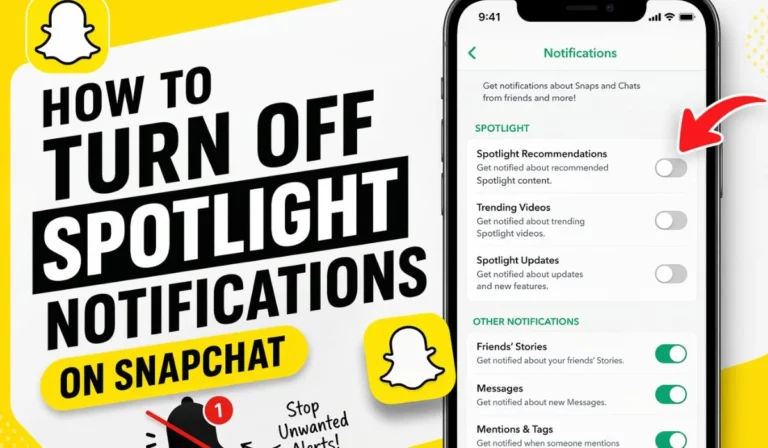
1. Disable Notifications
Reduce distractions without deleting your account.
2. Log Out Temporarily
Take a break without losing your data.
3. Limit Usage
Use built-in screen time controls.
Frequently Asked Questions (FAQs)
1. Can I delete my Snapchat account permanently?
Yes, after 30 days of deactivation, your account is permanently deleted.
2. Can I recover my account after 30 days?
No, once deleted permanently, it cannot be recovered.
3. Will my friends know I deleted my account?
No, but they will notice your profile is no longer visible.
4. Can I use the same username again?
Possibly, but it depends on availability.
Final Thoughts
Deleting your Snapchat account is a simple process, but it comes with permanent consequences. Whether you’re taking a break from social media or leaving it for good, it’s important to understand each step clearly.
If you’re unsure, consider deactivating your account first. But if you’re confident in your decision, follow the steps outlined in this guide and take control of your digital life.
Remember, social media should serve you—not the other way around.