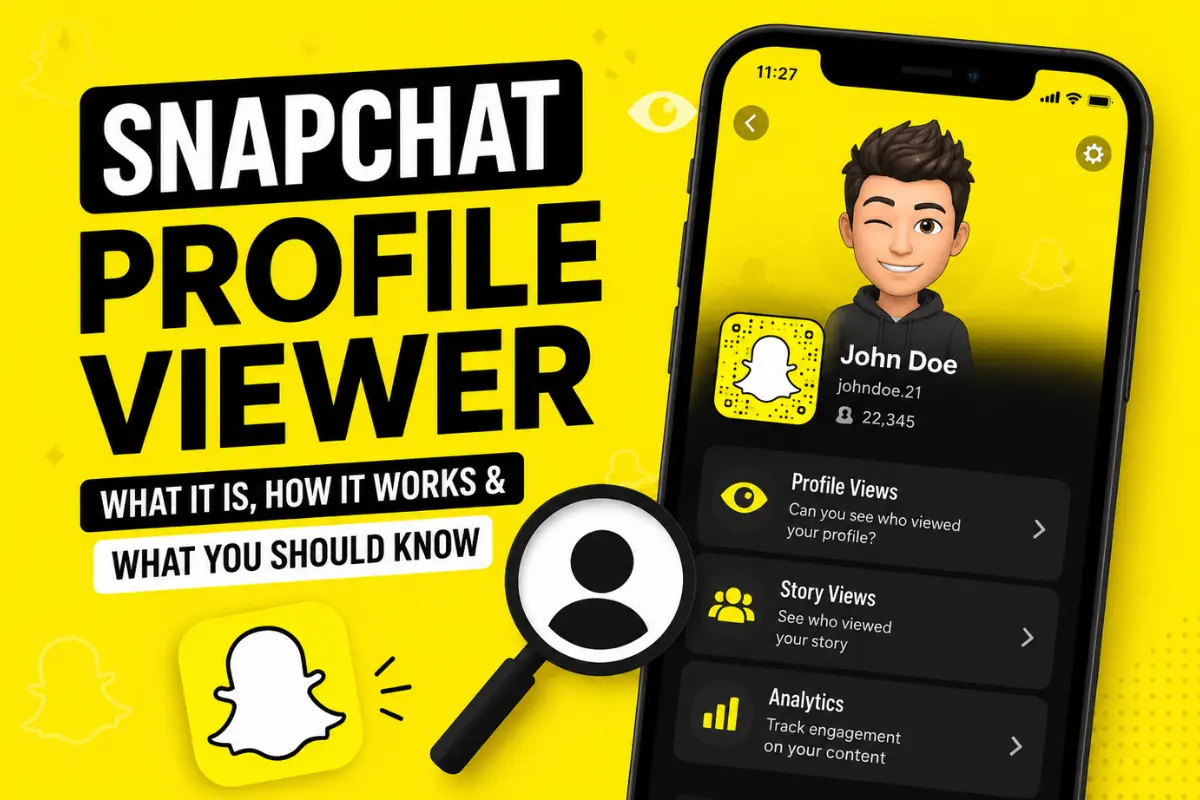
Snapchat Profile Viewer: What It Is, How It Works, and What You Should Know
Many Snapchat users search for a “Snapchat profile viewer” because they want to know who viewed their profile, stories, or public account. Some people are curious about secret viewers, while others simply want to track engagement on their content.
The term “Snapchat profile viewer” can mean different things. It may refer to Snapchat’s built-in viewing features, profile analytics for creators, or third-party apps that claim to show profile visitors.
In this guide, you will learn what a Snapchat profile viewer really is, how profile viewing works on Snapchat, whether you can see who viewed your profile, and which tools are safe to use.
What Is a Snapchat Profile Viewer?
A Snapchat profile viewer is any feature or tool that helps users view Snapchat profiles or track profile-related activity.
Most users search for this term because they want answers to questions like:
- Who viewed my Snapchat profile?
- Can I see profile visitors on Snapchat?
- Does Snapchat notify profile views?
- Are profile viewer apps real?
- How do public profiles work?
The reality is simple. Snapchat does not provide a direct feature that shows every person who visited your private profile. However, it does offer some insights for stories, public profiles, and creator accounts.
Snapchat Planets show your position in a friend’s solar system based on how closely you interact with them on Snapchat.
How Snapchat Profiles Work
Before understanding profile viewers, it helps to know how Snapchat profiles work.
Every Snapchat account has a profile page that may include:
- Username
- Display name
- Bitmoji
- Snap score
- Stories
- Friends list visibility
- Public profile content
- Spotlight posts
There are two main profile types on Snapchat.
Private Profiles
Most regular users have private profiles. Only friends can interact with content depending on privacy settings.
Public Profiles
Public profiles are designed for creators, influencers, brands, and public users. These profiles allow wider visibility and provide additional analytics.
Can You See Who Viewed Your Snapchat Profile?
This is the biggest question people ask.
The short answer is no.
Snapchat does not officially allow users to see a list of everyone who visited their profile page. Unlike some social media platforms, Snapchat focuses heavily on privacy.
If someone opens your profile, Snapchat usually does not notify you.
However, there are some exceptions related to stories and public content.
What You Can Actually See on Snapchat
Although Snapchat does not show profile visitors directly, it does provide several engagement indicators.
Story Viewers
If you post a story, you can see who viewed it.
To check story viewers:
- Open Snapchat
- Tap your story
- Swipe up on the story
- View the list of viewers
This is one of the only official ways to track user engagement.
Public Profile Insights
Users with public profiles can access additional analytics.
These may include:
- Story views
- Spotlight views
- Subscriber count
- Engagement metrics
- Returning viewers
This information helps creators understand audience activity.
Snapchat Spotlight Analytics
If you upload content to Spotlight, Snapchat may show:
- Total views
- Shares
- Favorites
- Audience engagement
These analytics are useful for creators trying to grow their audience.
Does Snapchat Notify Profile Screenshots?
Yes, in some cases.
Snapchat may notify users if someone screenshots:
- Chats
- Stories
- Snaps
But profile screenshots usually do not trigger notifications in the same way as chats or snaps.
Policies can change over time, so users should still respect privacy.
What Are Third-Party Snapchat Profile Viewer Apps?
You may have seen apps or websites claiming they can show:
- Secret Snapchat profile viewers
- Hidden visitors
- Anonymous profile checks
- Full viewer history
Most of these tools are misleading.
Some apps ask users to:
- Enter Snapchat login details
- Download unknown software
- Complete surveys
- Give account access
This creates serious privacy and security risks.
Are Snapchat Profile Viewer Apps Safe?
In most cases, no.
Third-party Snapchat viewer tools are often unreliable and may violate Snapchat policies.
Possible risks include:
Account Hacking
Some fake apps steal usernames and passwords.
Privacy Issues
These tools may collect personal information or account data.
Malware Risks
Suspicious downloads can harm your device.
Account Suspension
Using unauthorized apps can violate Snapchat’s terms and lead to account restrictions.
For safety, it is best to avoid unofficial Snapchat viewer apps.
How to Check Your Snapchat Story Views
Many users confuse story viewers with profile viewers.
Here is how you can track story engagement safely.
Step 1: Open Snapchat
Launch the Snapchat app on your device.
Step 2: Tap Your Bitmoji
Your profile icon appears at the top left.
Step 3: Open Your Story
Select the active story you posted.
Step 4: Swipe Up
You will see the names of users who viewed your story.
This feature works for both private and public stories.
Understanding Snapchat Public Profiles
Public profiles are becoming more popular among creators and influencers.
A public profile allows users to:
- Gain subscribers
- Share public stories
- Post Spotlight content
- Build an audience
- Access insights
This feature is useful for businesses, content creators, and brands.
How to Create a Public Profile on Snapchat
If eligible, you can create a public profile easily.
Requirements
Usually, users must:
- Be at least 18 years old
- Follow Snapchat guidelines
- Use the account for some time
Steps to Create One
- Open Snapchat
- Go to your profile
- Scroll to “Public Profile”
- Tap “Create Public Profile”
- Follow the instructions
Once enabled, your profile becomes more discoverable.
Why People Search for Snapchat Profile Viewers
There are several reasons users want profile viewing tools.
Curiosity
People naturally want to know who checked their profile.
Relationship Tracking
Some users try to monitor interactions with friends or partners.
Creator Analytics
Influencers want to track engagement and audience growth.
Business Marketing
Brands use analytics to understand customer interest.
Snapchat Privacy Features
Snapchat is known for strong privacy controls.
Users can customize:
- Who can contact them
- Who can view stories
- Who can see location
- Who can add them
- Who can use their public content
These settings help users stay in control of their account visibility.
How to Improve Snapchat Profile Engagement
Even though Snapchat does not reveal all profile visitors, you can still grow your engagement naturally.
Post Consistently
Regular stories keep followers active.
Use Creative Content
Interesting snaps attract more viewers.
Add Interactive Features
Polls, questions, and stickers encourage engagement.
Share Spotlight Videos
Spotlight helps users reach larger audiences.
Customize Your Profile
A clear Bitmoji and good profile setup make accounts more appealing.
Signs Someone Is Interested in Your Snapchat Profile
While Snapchat does not show profile visitors directly, certain behaviors may indicate interest.
These include:
- Frequent story views
- Quick replies to snaps
- Repeated profile interactions
- New subscriptions on public profiles
- Consistent engagement
These signals are not guaranteed proof, but they often show activity from interested users.
Common Myths About Snapchat Profile Viewers
There are many myths online about Snapchat tracking tools.
Let’s clear up some common misunderstandings.
Myth 1: Snapchat Shows Secret Profile Visitors
False. Snapchat does not provide a hidden visitor list.
Myth 2: Third-Party Apps Can Reveal Everyone
Most of these claims are fake or unsafe.
Myth 3: Snapchat Notifies Every Profile Visit
Snapchat generally does not notify normal profile views.
Myth 4: You Can Track Anonymous Viewers
There is no official feature for this.
Best Practices for Snapchat Safety
Protecting your account should always come first.
Use Strong Passwords
Avoid weak or repeated passwords.
Enable Two-Factor Authentication
This adds extra account security.
Avoid Suspicious Apps
Never give login access to unknown tools.
Review Privacy Settings
Check your settings regularly.
Keep Snapchat Updated
Updates improve security and performance.
Snapchat Profile Viewer vs Story Viewer
Many users confuse these two features.
Here is the difference.
| Feature | What It Does |
| Profile Viewer | Supposedly tracks profile visitors |
| Story Viewer | Shows who viewed your story |
| Public Insights | Displays creator analytics |
| Spotlight Analytics | Tracks content performance |
Story viewers are official. Most profile viewer claims are not.
Can Businesses Use Snapchat Analytics?
Yes. Businesses and creators with public profiles can use Snapchat insights to measure performance.
This helps track:
- Audience growth
- Story engagement
- Content reach
- Viewer behavior
These analytics are valuable for marketing strategies.
The Future of Snapchat Profile Analytics
Social media platforms continue improving creator tools and analytics.
Snapchat may expand profile insight features in the future, especially for creators and brands.
However, privacy remains a major focus for the platform. This means full profile visitor tracking is unlikely for regular users.
Final Thoughts
The idea of a Snapchat profile viewer sounds interesting, but many online claims are misleading. Snapchat does not officially show who visited your private profile.
What Snapchat does provide are story viewers, public profile insights, and creator analytics. These tools help users understand engagement without compromising privacy.
If you want to track activity safely, use Snapchat’s official features instead of risky third-party apps. Protecting your account and personal data is always more important than finding secret profile visitors.
For most users, the best way to measure engagement is through story views, public profile analytics, and meaningful interactions with friends and followers.