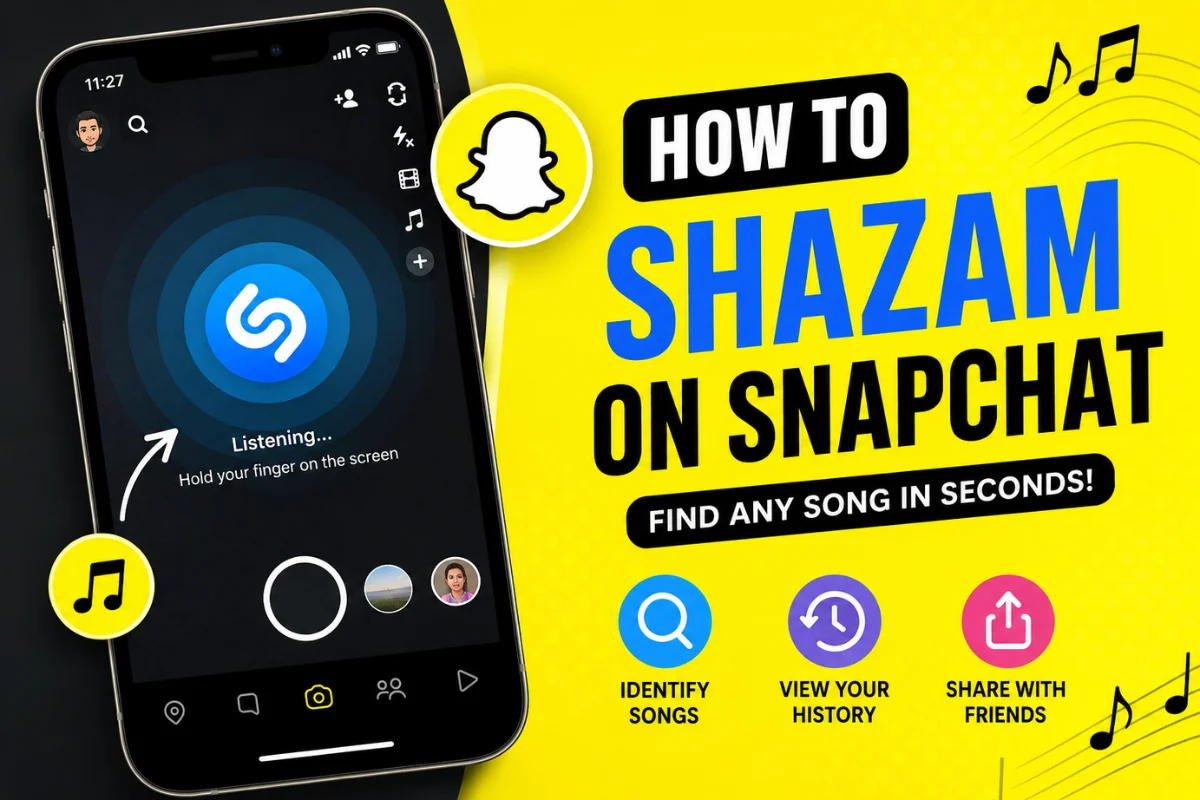
How to Shazam on Snapchat?
Have you ever heard a great song in the background of a Snapchat Story or while hanging out with friends and wondered what it was? Instead of opening another music recognition app, Snapchat already has a built-in solution.
With Snapchat’s integrated Shazam feature, you can identify songs in just a few seconds without leaving the app. Whether you’re trying to find a trending TikTok track, discover a new artist, or save a song for later, the process is quick and simple.
In this guide, you’ll learn how to Shazam on Snapchat, how the feature works, where to find your song history, and what to do if Shazam isn’t working.
What Is Shazam on Snapchat?
Shazam is a music recognition technology that identifies songs by listening to a short audio sample. Snapchat has partnered with Shazam to bring this feature directly into the camera screen.
Instead of downloading the standalone Shazam app, Snapchat users can simply press and hold on the camera screen while music is playing nearby. Within moments, Snapchat displays the song title and artist.
The feature is available on both Android and iPhone and doesn’t require a separate Shazam account.
How to Shazam on Snapchat
Using Shazam inside Snapchat takes only a few seconds.
Step 1: Open Snapchat
Launch the Snapchat app on your phone.
Stay on the main camera screen. You don’t need to open Chats or Stories.
Step 2: Play the Song
Make sure the song is playing clearly.
It can be:
- A song playing on speakers
- Music from another phone
- A TV show
- A café or restaurant
- A live performance (if the sound is clear enough)
Step 3: Press and Hold the Camera Screen
Touch and hold anywhere on the camera screen.
Do not tap the capture button.
After a few seconds, Snapchat begins listening to the music.
Step 4: Wait for Song Recognition
Within a few seconds, Snapchat displays:
- Song title
- Artist name
- Album artwork (when available)
You can then choose to learn more about the song or share it.
Can You Shazam Music Playing on Another Device?
Yes.
Many people use Snapchat’s Shazam feature while music is playing on another phone, laptop, TV, or Bluetooth speaker.
For the best results:
- Increase the volume slightly.
- Reduce background noise.
- Hold your phone closer to the sound source.
- Let the song play for several seconds.
How to View Your Shazam History on Snapchat
Snapchat automatically saves recognized songs.
To view your history:
- Open Snapchat.
- Tap your Profile icon.
- Tap Settings.
- Scroll down to Shazam.
- Open your recognized songs list.
Here you’ll see previously identified tracks, making it easy to revisit songs you discovered earlier.
How to Share a Song After Shazaming
After Snapchat recognizes a song, you can share it with friends.
You can:
- Send it in Chat
- Add it to your Story
- Share it outside Snapchat
- Open the song in a music streaming service (depending on your region and available integrations)
This makes discovering and sharing music much easier
Does Snapchat Need the Shazam App?
No.
One of the biggest advantages is that Snapchat includes Shazam directly inside the app.
You don’t need to:
- Install Shazam separately
- Create a Shazam account
- Switch between apps
Everything works within Snapchat itself.
Why Is Shazam Not Working on Snapchat?
Sometimes the feature may not recognize songs immediately.
Here are the most common reasons.
Poor Internet Connection
Song recognition requires an internet connection.
Try switching between Wi-Fi and mobile data if recognition fails.
Background Noise
Too much surrounding noise can prevent Snapchat from identifying the music accurately.
Move closer to the audio source whenever possible.
Microphone Permission Is Disabled
Snapchat needs access to your microphone.
Check your phone settings and make sure microphone permissions are enabled.
Outdated Snapchat Version
Older app versions may contain bugs or missing features.
Update Snapchat through your device’s app store.
Song Is Too Quiet
If the music volume is very low, Snapchat may not hear enough of the song.
Increase the volume slightly before trying again.
How Accurate Is Snapchat Shazam?
In most situations, Snapchat identifies songs within a few seconds.
Accuracy depends on factors like:
- Audio quality
- Volume level
- Background noise
- Whether the song exists in Shazam’s music database
Popular songs are usually recognized almost instantly.
Rare remixes, live recordings, or heavily edited versions may take longer or may not be identified.
Can Snapchat Identify Songs Playing Inside the Same Phone?
This is one question users frequently ask.
Generally, Snapchat’s built-in Shazam is designed to recognize external audio captured through your phone’s microphone.
If you’re playing music on the same phone, recognition may not work because the microphone cannot capture the internal audio stream.
A second device is often the easiest solution.
Can You Shazam Music From Snapchat Stories?
Sometimes.
If you’re watching a Story on another phone or another device, Snapchat can usually recognize the music.
However, if you’re trying to identify music playing inside the same Snapchat app on the same phone, results are less reliable because of audio limitations.
Is Shazam on Snapchat Free?
Yes.
The feature is completely free.
You don’t need:
- Snapchat+
- A paid subscription
- A premium Shazam account
Anyone using the standard Snapchat app can access this feature.
Privacy: Does Snapchat Save What You Listen To?
Snapchat stores the songs you’ve identified in your Shazam history.
It does not continuously listen to your surroundings.
Music recognition only begins after you intentionally press and hold the camera screen.
This gives users full control over when the feature is activated.
Tips to Get Better Song Recognition
If Snapchat struggles to identify music, these simple tips can improve results.
Keep the Phone Close
Move your phone nearer to the speaker.
Clearer audio usually means faster recognition.
Avoid Talking
Conversations can interfere with music recognition.
Try staying quiet while Snapchat listens.
Wait for the Chorus
Songs are often easier to identify during recognizable sections like the chorus.
Use Updated Apps
Keeping Snapchat updated helps ensure you have the latest improvements and bug fixes.
Snapchat Shazam vs the Standalone Shazam App
Although both use the same music recognition technology, there are a few differences.
| Feature | Snapchat Shazam | Standalone Shazam |
| Built into Snapchat | Yes | No |
| Extra download required | No | Yes |
| Song history | Yes | Yes |
| Music discovery features | Basic | Advanced |
| Artist recommendations | Limited | More extensive |
| Offline recognition | Limited | Better support |
If you only need quick song identification while using Snapchat, the built-in feature is more convenient.
If you’re a music enthusiast looking for playlists, recommendations, and detailed artist information, the standalone Shazam app offers additional features.
Common Problems and Quick Fixes
Snapchat Doesn’t Detect Music
- Restart the app.
- Check your internet connection.
- Increase the music volume.
- Update Snapchat.
Recognition Takes Too Long
Move closer to the sound source and reduce background noise.
Wrong Song Appears
This can happen with remixes, covers, or songs that sound very similar.
Try recognizing the song again during a different part of the track.
Frequently Asked Questions
How do I activate Shazam on Snapchat?
Simply open Snapchat and press and hold anywhere on the camera screen while music is playing.
Does Snapchat use the real Shazam service?
Yes. Snapchat’s built-in music recognition is powered by Shazam technology.
Can I use Shazam on Snapchat without downloading another app?
Yes. Everything is built directly into Snapchat.
Is Shazam available on Android and iPhone?
Yes. The feature works on both supported Android and iOS devices.
Why can’t Snapchat recognize a song?
The most common reasons include poor internet, low music volume, excessive background noise, disabled microphone permissions, or using an outdated version of Snapchat.
Does Snapchat save my recognized songs?
Yes. You can view your song history from Snapchat Settings under the Shazam section.
Final Thoughts
Snapchat’s built-in Shazam feature makes identifying songs fast and effortless. Instead of switching between apps, you can recognize music directly from the camera screen with a simple press and hold.
Whether you’re discovering a trending song from a party, a friend’s Story, or a nearby café, Snapchat lets you identify tracks within seconds and keeps a history of your discoveries for future listening.
If the feature isn’t working, checking your microphone permissions, internet connection, and app updates usually resolves the issue. With just a few taps, you’ll never have to wonder what song is playing again.