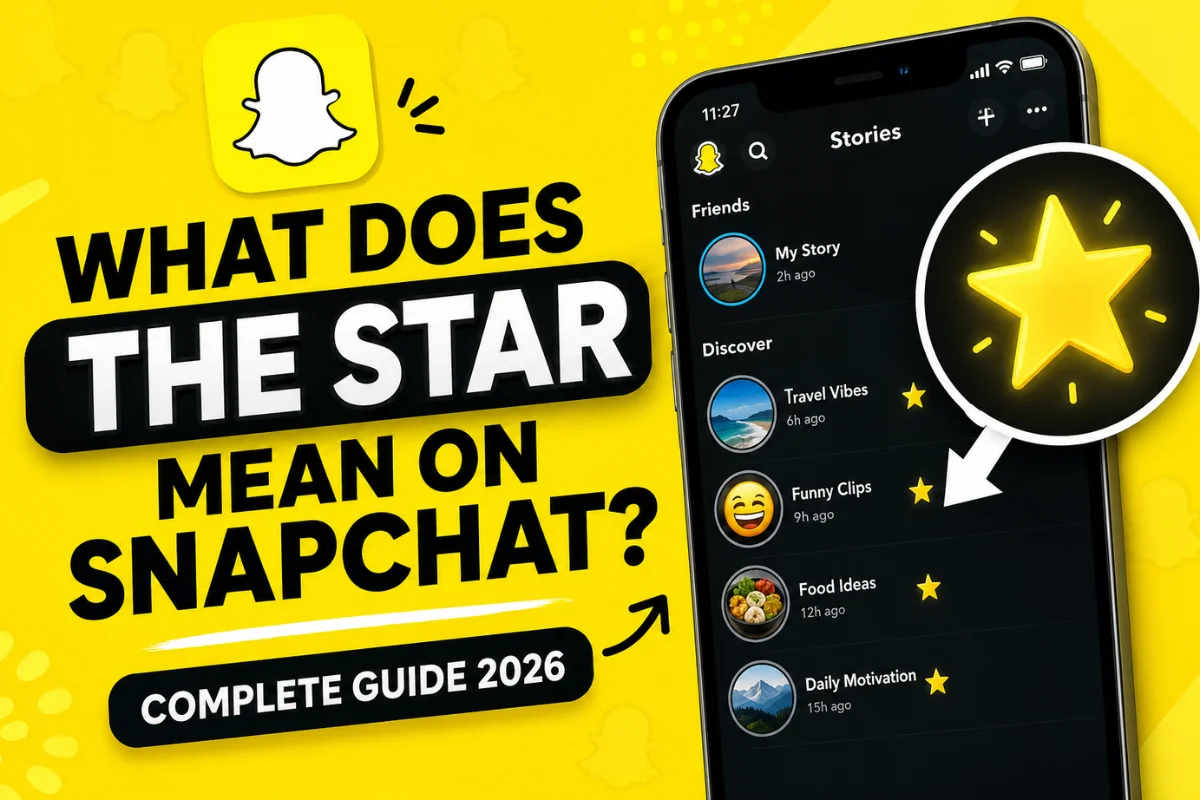
What Does the Star Mean on Snapchat?
If you’ve recently noticed a star icon on Snapchat, you’re probably wondering what it means. Unlike the planets in Snapchat Plus or the Best Friends emojis, the star icon often appears in different places depending on the feature you’re using.
In most cases, the star on Snapchat indicates that a Story is popular or has been replayed by multiple users. It can also represent favorite content, Spotlight highlights, or Snapchat+ exclusive features, depending on where you see it.
Because Snapchat regularly updates its interface, the meaning of the star may vary slightly. This guide explains every possible meaning so you know exactly what you’re looking at.
What Does the Star Mean Next to a Story on Snapchat?
The most common place users notice the star is beside a public Story.
When a Story has a ⭐ icon, Snapchat is usually signaling that the Story has received multiple replays from viewers.
This doesn’t necessarily mean millions of people watched it. Instead, it tells viewers that the Story has attracted extra attention and people have chosen to watch it again.
The star acts as a small engagement indicator rather than a popularity ranking.
Key points
- The Story has been replayed multiple times.
- It is available mainly on Public Stories.
- The creator cannot manually add or remove the star.
- Snapchat decides when the icon appears.
Why Does Snapchat Show a Star?
Snapchat introduced the star icon to help users identify engaging content without displaying public like counts.
Instead of showing numbers, Snapchat uses visual indicators that encourage people to explore interesting Stories naturally.
The goal is to:
- Highlight engaging Stories.
- Increase Story discovery.
- Encourage viewers to watch popular content.
- Keep the platform focused on private interactions.
This approach matches Snapchat’s overall philosophy of reducing public social pressure.
Does the Star Mean Someone Favorited Your Story?
No.
Many users think the star means someone saved or favorited their Story.
That’s not how Snapchat works.
Currently, Snapchat does not notify creators when someone favorites a public Story using a star.
Instead, the star is generally connected to Story engagement, especially replays.
What Does the Star Mean in Snapchat Spotlight?
If you’re browsing Spotlight, you may occasionally see stars associated with featured content.
Here, the star usually indicates one of these:
- Featured content
- Recommended videos
- Trending creators
- Popular Spotlight posts
It is not the same as YouTube’s like button or Instagram’s favorite feature.
Instead, Snapchat uses stars as visual highlights for content worth discovering.
What Does the Gold Star Mean on Snapchat?
Some users report seeing a gold-colored star.
This is typically related to:
- Featured creator content
- Special recommendations
- Snapchat-curated posts
- Limited interface experiments
Snapchat frequently tests new icons with different groups of users, so not everyone sees identical symbols.
Does Snapchat+ Change the Meaning of the Star?
Yes, in some situations.
Snapchat+ subscribers receive exclusive features, and certain star icons may appear inside premium tools.
Examples include:
- Story insights
- Custom profile features
- Early experimental updates
- Exclusive interface designs
These stars are different from the replay indicator found on public Stories.
If you’re using Snapchat+, you may notice additional star-related icons that regular users don’t see.
Can Friends See the Star on Your Story?
It depends.
For public Stories, other viewers may also see the star if Snapchat decides the Story qualifies.
For private Stories shared only with friends, the star usually does not function the same way.
Private Story visibility remains limited to the selected audience.
Does the Star Mean Someone Replayed Your Story?
Yes—most of the time.
This is currently the most widely accepted meaning.
A starred Story generally indicates that multiple users replayed the content, suggesting it was interesting enough to watch again.
However, Snapchat doesn’t reveal:
- Who replayed it
- How many times it was replayed
- Which viewers watched it multiple times
The platform keeps those details private.
Can You Make the Star Appear?
No.
There is no button or setting that enables the star manually.
Snapchat automatically decides whether a Story deserves the indicator.
The best way to increase the chances is by posting engaging content such as:
- Funny moments
- Behind-the-scenes clips
- Travel videos
- Tutorials
- Entertaining daily updates
If people replay your Story naturally, Snapchat may add the star.
Does the Star Mean Someone Screenshotted Your Story?
No.
Screenshots have their own indicator inside Snapchat.
If someone takes a screenshot, you’ll receive a screenshot notification rather than a star icon.
The two features are completely unrelated.
Does the Star Mean Someone Saved Your Story?
No.
Saving and replaying are different actions.
The star is not a save indicator.
If you save your own Story to Memories, Snapchat does not place a star on it.
Can Businesses Use the Star to Improve Reach?
Public creators and brands can benefit indirectly.
Stories that encourage viewers to watch again often perform better because they increase engagement.
Good examples include:
- Quick tips
- Before-and-after videos
- Mini tutorials
- Mystery reveals
- Educational content
The more engaging the Story, the higher the chance viewers replay it.
Common Misconceptions About the Snapchat Star
Many users misunderstand what the star represents.
Here are some myths.
Myth 1: It means someone likes you.
False.
The star isn’t a friendship indicator.
Myth 2: It means your crush viewed your Story.
False.
Story viewers remain separate from the star icon.
Myth 3: It means someone saved your Story.
False.
Saved Stories and replayed Stories are different.
Myth 4: It is a Snapchat+ badge.
Only sometimes.
Some Snapchat+ features use stars, but the Story star usually represents engagement.
How Is the Star Different From Other Snapchat Icons?
Snapchat uses many symbols, each with a different purpose.
| Icon | Meaning |
| ⭐ Star | Story replay or featured content |
| 🔥 Fire | Snapstreak |
| 💛 Yellow Heart | Best Friend |
| 😊 Smiling Face | Close Friend |
| 👻 Ghost | Snapchat branding |
| 📌 Pin | Pinned conversation |
Learning these icons makes navigating Snapchat much easier.
Tips to Create Stories People Replay
Although you can’t force Snapchat to add a star, you can create more engaging Stories.
Try these ideas:
Start with a strong first clip
Capture attention within the first few seconds.
Keep Stories short
People are more likely to replay concise videos.
Tell a story
Create curiosity from beginning to end.
Use captions
Many viewers watch without sound.
Post high-quality videos
Good lighting and clear audio improve retention.
Frequently Asked Questions
Does the star mean someone replayed my Story?
Yes. In most cases, it indicates multiple viewers replayed your public Story.
Can I remove the star?
No.
The icon is automatically managed by Snapchat.
Does everyone see the star?
Not always.
Snapchat tests interface updates, so icons may vary by account, region, and app version.
Is the star only for Snapchat+?
No.
The replay star can appear independently of Snapchat+, although subscribers may see additional star-related features.
Can I earn the star faster?
There is no official method.
Focus on creating engaging Stories that encourage viewers to watch again.
Final Thoughts
The star on Snapchat is primarily an engagement indicator that tells users a Story has attracted extra attention through multiple replays or that content has been highlighted by Snapchat. It isn’t a friendship badge, a screenshot alert, or proof that someone saved your Story.
As Snapchat continues to introduce new features and experiment with its interface, the exact appearance and placement of the star may evolve. Even so, its purpose remains the same: helping users discover content that stands out.
If you’re aiming to see the star on your own Stories, concentrate on sharing authentic, entertaining, and high-quality content that keeps viewers interested enough to watch more than once.