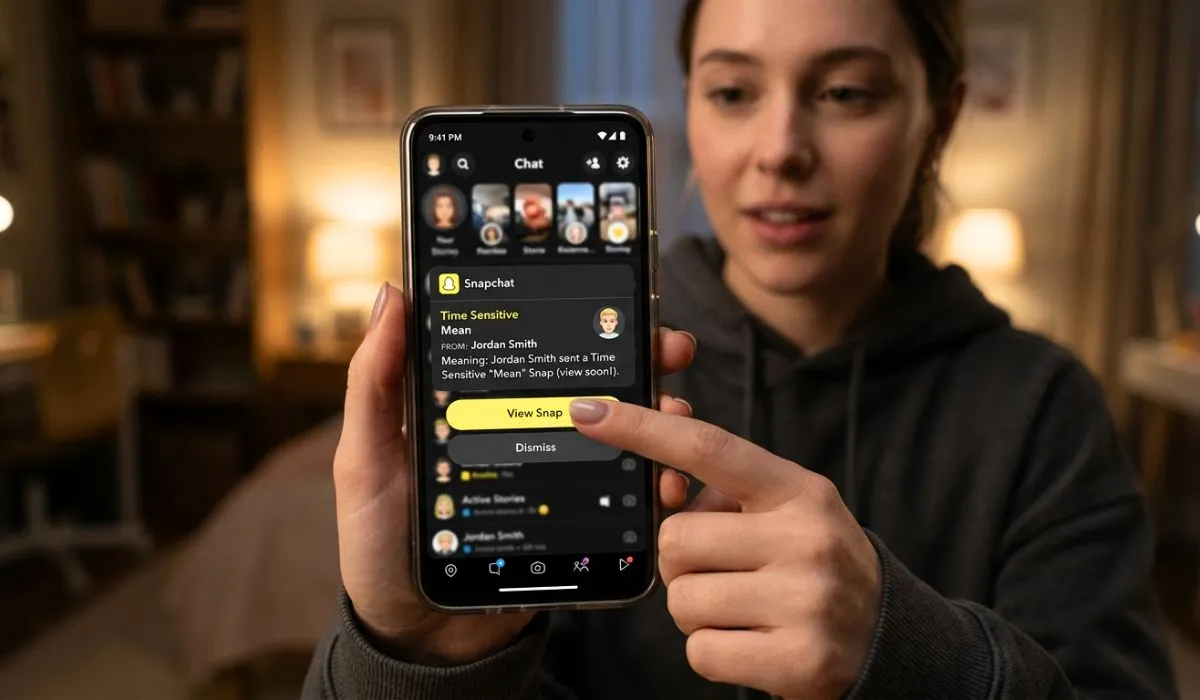
What Does Time Sensitive Mean on Snapchat?
A time-sensitive notification on Snapchat is a higher priority alert that the app sends when it thinks something needs to be brought to your immediate attention. Since the notification is marked as important in system level, it can even bypass Focus Mode or Do Not Disturb. Typically, these notifications result from Snap Streak reminders or when you receive direct Snaps or missed calls. What does time sensitive mean on Snapchat basically signifies a priority notification that aims to ensure you don’t miss any time-related activity in the app.
Many users are confused when they first see the “Time Sensitive” label because it sounds urgent or serious. In fact, most of those alerts are tied to Snapchat’s real-time messaging and engagement features. They’re designed to elicit rapid response, not to act as warnings of danger or issues. When you know what does time sensitive mean on Snapchat, it makes this feature much clearer and easy to handle.
What Are Time Sensitive Notifications on Snapchat?
To understand the time sensitive Snapchat meaning, we first need to understand how notifications work on modern smartphones.
Apple Inc. Time sensitive notifications debuted with iOS 15 and are supported beginning with that version on iPhones. These notifications are intended to silence Focus Mode or do not disturb if something is deemed important enough.
This system is used by Snapchat to flag some notifications as crucial.
Snapchat — which is the app itself — determines what notifications might count as time-sensitive. But the ultimate behavior varies based on your device settings.
What Is Time Sensitive on Snapchat?
When Snapchat flags a notification as Time Sensitive, it means the notification is considered important enough to be shown promptly.
- The notification may be considered urgent.
- It can bypass Focus Mode.
- It may appear prominently on your lock screen.
- It is designed to be noticed quickly.
It doesn’t necessarily mean something bad happened. It simply means Snapchat considers the notification important and wants you to see it promptly.
Why Time Sensitive Notifications for Snapchat?
Snapchat is built for communicating in real time. The app is built around instantaneous interactions, disappearing messages and Snap Streaks.
Here are some reasons that might lead Snapchat to send a time-sensitive alert:
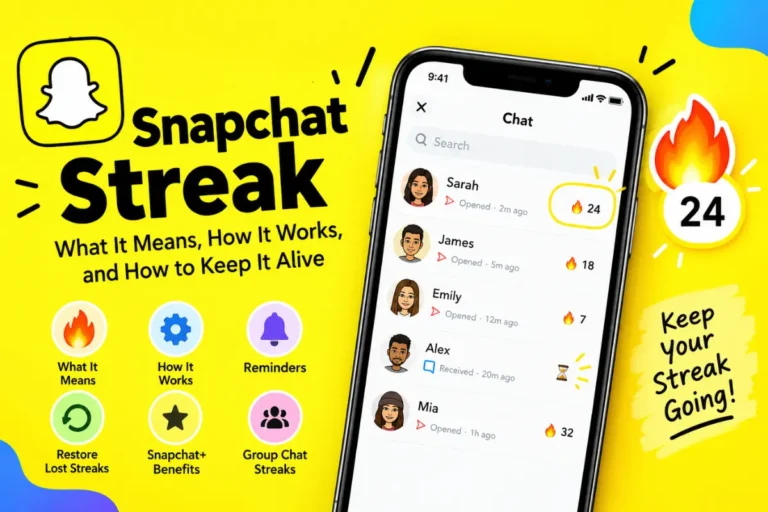
Snap Streak About to End
Answer: If you currently have an active Snap Streak that’s about to end, Snapchat might send a time-sensitive reminder. Because streaks are reset after 24 hours of inactivity, the app considers this to be urgent.
Snap from a Close Friend Direct
Snapchat may flag Snaps with a note about the person sending it, if you frequently interact with that individual.
Missed Calls on Snapchat
Voice or video calls outside Snapchat may send time-sensitive notifications.
Security or Account Alerts
Snapchat may also consider anything like an attempted login to your account or a password change concern urgent, as well.
The Way Time Sensitive Notifications Function on iPhone
Time-sensitive notifications are primarily associated with iPhone users.
The feature is part of Apple’s Focus Mode system. Focus Mode: Users can silence apps to avoid distractions. But apps can ask for permission to send time-sensitive notifications that go past those limitations.
Snapchat uses this system when:
- You are in Sleep Focus
- You are in Work Focus
- Do Not Disturb is enabled
- This notification will still show up if permitted.
What About Android Users?
The wording may differ on Android devices. Android phones don’t use the same “Time Sensitive” label as iPhones. However, Android devices still support:
- Priority notifications
- High-importance alerts
- Urgent notification channels
So while the terminology might vary, the approach is akin.
Are Time Sensitive and Urgent the Same Thing?
Yes, in practical terms.
As for the time sensitive meaning on Snapchat, many users want to know whether it is a serious matter.
In most cases:
- It just means that Snapchat wants you to see it faster.”
- It does not mean danger.
- That does not mean that someone reported you.
Typically, it has something to do with engagement features such as streaks or direct snaps.
How to disable Time Sensitive notifications on Snapchat
If you find it too much with the urgent alerts, you can change your settings.
On iPhone:
- Go to Settings.
- Tap Notifications.
- Select Snapchat.
- Tap Time Sensitive Notifications.
- Turn the feature off.
- Focus settings can also be managed from within iOS.
Inside Snapchat App:
- Open Snapchat.
- Tap your profile icon.
- Go to Settings (gear icon).
- Tap Notifications.
- Adjust notification types.
This gives you greater control over what alerts get marked as important.
Does Time Sensitive Mean Someone Is Ghosting You?
No. Time-sensitive alerts are automated. Instead, they are invoked by the behavior of the system as a whole rather than personal feelings.
For example:
- It doesn’t mean someone is angry when you get a streak reminder.
- A Snap notification is not an urgency in real life.
- A chat message that is marked time-sensitive does not mean drama.
- It is simply app logic.
- Snapchat+ and Notifications
Snapchat+ provides more features, yet it has no direct influence over whether or not a notification is time-sensitive. Snapchat+ includes:
- Story rewatch indicators
- Friend Solar System
- Custom icons
- Priority story replies
- Snapchat+ has no effect on time-sensitive alerts.
How Does Snapchat Determine What Is Time Sensitive
Snap Inc. does not disclose its algorithm, but some common triggers are:
- High engagement relationships
- Active Snap Streaks
- Direct media messages
- Missed calls
- Account safety alerts
Behavioral data is used by apps to measure how urgent the situation is.
It is common to hear the phrase “Time Sensitive Notifications” associated with apps and communication tools.
This depends on personal preference.
Benefits:
- Prevent losing Snap Streaks
- Avoid missing important messages
- Increase responsiveness
- Keep real-time communication active
Drawbacks:
- Can feel intrusive
- Interrupt focus time
- Increase screen time
- Create unnecessary urgency
If notifications are stressful, changing the settings can help.
Does Time Sensitive Impact Snap Streaks?
Indirectly, yes. A time-sensitive notification does not extend your streak. But it reminds you before the streak runs out. You may forget without the reminder.
A Psychology Overview on Time Sensitive Notifications
Urgent is a label that pushes for instant reactions. Research shows that priority alerts:
- Increase dopamine response
- Encourage faster engagement
- Make users respond
Snapchat is designed around immediacy. Time-sensitive alerts reinforce that behavior. But knowing the system helps calm anxiety.
Frequent Misconceptions About What Time Sensitive Means On Snapchat
Myth 1: Time Sensitive Is An Emergency
False. It usually has to do with app activity.
Myth No. 2: Someone Flagged the Message as Urgent
No, this label is automatically assigned by Snapchat.
Myth 3: It Means You’re in Trouble
Not at all. It is not about reporting or violations.
How Time Sensitive Notifications Stack Up Against Other Notifications
Similar systems are used by other social media platforms.
For example:
- Generally speaking snack on verified accounts in priority of direct messages notifications.
- This can include things like Facebook Messenger for calls which supersedes silent mode.
- Calls that are missed on WhatsApp will receive a high priority marker.
- Snapchat’s version just employs Apple’s built-in “Time Sensitive” label.
When Should You Disable Time Sensitive Notifications?
You might consider keeping them around if:
- You value Snap Streaks.
- You communicate daily through Snapchat.
- You use Snapchat for intimate relationships.
- You want immediate notification from selected people.
If the app you spend most of your messaging time on is Snapchat, it can be useful.
When To Turn Them Off
Consider turning them off if:
- Notifications disrupt your sleep.
- You are attempting to limit screen time.
- You don’t like the urgent labels that you see.
- You rarely use Snapchat actively.
- You still can get regular notifications without the time-sensitive label.
What is Time Sensitive on Snapchat for Privacy?
- Some users wonder if this impacts on privacy.
- Time-sensitive notifications:
- Do not expose private data.
- Do not notify the sender.
- Do not change message visibility.
- Do not alter encryption.
- But they only affect how your phone shows alerts.
Advanced Explanation: Notification Priority Systems
Layered notification systems are common in modern operating systems:
- Passive notifications
- Active notifications
- Time-sensitive notifications
- Critical alerts (rare and regulated)
Snapchat’s notifications belong to one of the time-sensitive types, not critical alerts. Critical alerts are typically reserved for emergency services or dire weather warnings.
Much easier for a machine to do, right?
Currently, Snapchat mainly utilizes them for prompting reminders and direct contact.
Operating systems can restrict app privileges if users complain of overuse. Apple provides users with the option to turn off time-sensitive access on an app-by-app basis.
How to Control Focus Mode Using Snapchat
Not only do you get to schedule it, but Focus Mode enables you to specify what apps can break through interruptions.
To manage:
- Go to iPhone Settings.
- Tap Focus.
- Choose a Focus profile (Work, Sleep, Personal).
- Choose Allowed Apps.
- Adjust Snapchat permissions.
You get to decide whether or not Snapchat can bypass Focus.
FAQs
What is time sensitive on Snapchat notification?
That means Snapchat flagged the alert as important enough to override Focus or Do Not Disturb mode on your phone.
Why does Snapchat say time sensitive on top?
Because the app asked for priority delivery of that notification through your phone’s operating system.
Does time sensitive mean that someone is typing?
No. It does not prove that someone is typing. It has to do with notification priority only.
Can I get rid of time sensitive on Snapchat?
Yes. You’re able to turn it off in your phone’s notification settings under Snapchat.
Is time sensitive similar to Snap Streaks?
Often, yes. Streaks may even continue to be mentioned via time-sensitive alerts by Snapchat.
Does time sensitive mean emergency?
No. It is not a life-saving feature. It is an urgency classification in the app.
Conclusion
With definition of time sensitive meaning on Snapchat, the feature is not a mystery anymore. It doesn’t map to danger or conflict or anything bad. It just means that Snapchat has flagged a notification as significant enough to get past some phone restrictions so you can see it immediately.
Usually, time-sensitive alerts are connected to engagement features such as Snap Streak reminders, direct snaps or missed calls. They are meant to maintain a flow of communication, not generate stress. You can leave them on if you find them helpful. You can always disable them in your notification settings if you find them distracting.