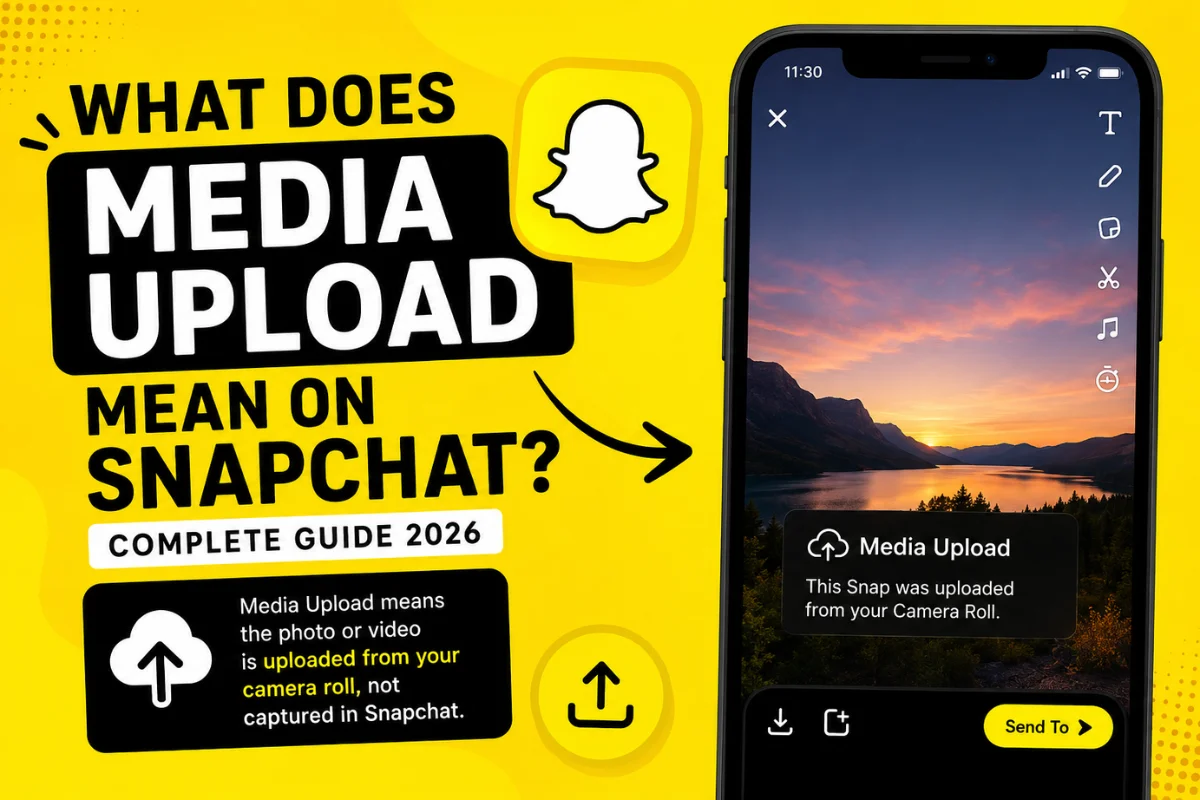
What Does Media Upload Mean on Snapchat?
Snapchat is known for its camera-first experience, but sometimes users notice a message that says “Media Upload” and wonder what it actually means. If you’ve seen this label while sending a Snap or viewing a Story, you’re not alone.
The term can be confusing because Snapchat doesn’t always explain it clearly. In most cases, it simply indicates that the photo or video you’re sharing was uploaded from your device instead of being captured directly through the Snapchat camera.
In this guide, you’ll learn what Media Upload means on Snapchat, why it appears, when you should expect to see it, and whether it affects your privacy or how others view your content.
What Does Media Upload Mean on Snapchat?
On Snapchat, Media Upload means that the content being shared comes from your phone’s gallery or camera roll rather than being taken inside the Snapchat app.
For example, if you recorded a video yesterday and decide to send it to a friend today, Snapchat may label it as a media upload. This helps distinguish uploaded content from live Snaps captured using Snapchat’s built-in camera.
The label is informational and does not indicate a problem with your account.
Why Does Snapchat Show Media Upload?
There are several reasons why Snapchat displays this label.
You Selected a Photo from Your Camera Roll
The most common reason is that you chose an existing image or video stored on your device instead of taking a new Snap.
You Uploaded a Saved Video
If you’ve edited a video in another app and then upload it to Snapchat, it may also appear as a media upload.
Memories or Imported Content
Photos imported into Snapchat Memories from your gallery can also be identified as uploaded media.
Where Can You See the Media Upload Label?
The Media Upload label may appear in different areas of Snapchat, including:
- While sending a Snap from your camera roll.
- In Snapchat Memories after importing photos.
- When posting a Story using saved media.
- During the upload process before the content is shared.
Not every uploaded image will display the label prominently, as Snapchat’s interface continues to change with updates.
Does Media Upload Mean the Snap Is Fake?
No.
Many users believe that a media upload means someone is pretending the photo was taken in real time. That’s not necessarily true.
The label simply tells Snapchat that the content wasn’t captured directly inside the app during that moment.
People upload photos for many legitimate reasons, such as:
- Sharing vacation pictures.
- Posting edited videos.
- Uploading event photos.
- Saving storage by editing before sharing.
It doesn’t automatically mean the content is misleading.
Can Friends See That Your Snap Is a Media Upload?
In many situations, yes.
Snapchat has gradually increased transparency around uploaded media. Depending on the feature and app version, recipients may be able to tell that a Snap originated from the camera roll instead of being captured live.
However, Snapchat frequently tests interface changes, so the exact appearance may vary between Android and iPhone users.
Is Media Upload Different From Memories?
Yes, although they’re closely related.
Snapchat Memories is a storage feature that saves your Snaps and Stories.
Media Upload refers to content imported from outside Snapchat.
Here’s the difference:
| Snapchat Memories | Media Upload |
| Stores Snaps you’ve created | Imports photos or videos from your phone |
| Saved inside Snapchat | Originally stored in your device gallery |
| Can include live Snaps | Usually comes from the camera roll |
How to Upload Photos to Snapchat
Uploading media is simple.
Follow these steps:
- Open Snapchat.
- Swipe up or tap Memories.
- Open the Camera Roll tab.
- Select a photo or video.
- Tap Send or Story.
- Add captions, stickers, or filters if you like.
Snapchat may identify the content as uploaded media during this process.
Does Media Upload Affect Snapchat Score?
No.
Uploading photos from your camera roll does not directly increase your Snapchat Score the same way sending regular Snaps does.
Snapchat has never publicly revealed its complete scoring algorithm, but uploaded media generally doesn’t provide the same engagement signals as live Snaps.
Can You Remove the Media Upload Label?
No.
Users cannot manually remove or hide the Media Upload indicator.
The label is generated automatically by Snapchat when it detects that the content originated outside the app.
Any website or video claiming you can permanently remove the label should be viewed carefully, as there is no official setting that disables it.
Is Media Upload Safe?
Yes.
Uploading photos from your gallery is a standard Snapchat feature.
The label does not expose your private files or personal information.
Only the media you choose to upload is shared. Snapchat does not automatically publish the rest of your camera roll.
Latest Snapchat Updates Related to Media Upload (2026)
Recent Snapchat updates continue to focus on authenticity while giving users more flexibility to share existing content.
Some noticeable trends include:
- Better distinction between live Snaps and uploaded media.
- Improved Camera Roll integration.
- Faster video upload performance.
- More editing options before sharing.
- Expanded AI-powered creative tools for uploaded photos.
Although Snapchat regularly adjusts its interface, the main purpose of the Media Upload label remains the same: helping users understand where shared content originated.
Common Misunderstandings
Many users have incorrect assumptions about Media Upload.
“It means my account has a problem.”
False. It is a normal feature.
“Uploaded photos disappear.”
False. They behave like other Snaps depending on how you send them.
“Only old photos show Media Upload.”
Not always. Even a photo taken seconds ago can be labeled as uploaded if it comes from your camera roll.
“Media Upload hurts my account.”
No. Snapchat has never stated that uploading media negatively affects accounts.
Tips for Using Media Upload on Snapchat
To get the best experience:
- Upload high-quality photos.
- Keep the Snapchat app updated.
- Use Wi-Fi when uploading large videos.
- Edit content before uploading for better quality.
- Review your Story before posting.
These simple habits help ensure smoother uploads and better-looking content.
Frequently Asked Questions
Why does Snapchat say Media Upload?
It means the photo or video was selected from your phone’s gallery instead of being captured directly in Snapchat.
Can I stop Snapchat from showing Media Upload?
No. The label is automatically applied by Snapchat when appropriate.
Does Media Upload reduce image quality?
Generally, no. However, very large videos may be compressed during upload.
Is Media Upload available on Android and iPhone?
Yes. Both platforms support uploading media from the camera roll.
Does Media Upload affect Stories?
No. You can still post uploaded photos and videos to your Story like normal.
Final Thoughts
If you’ve been wondering what Media Upload means on Snapchat, the answer is simple. It indicates that the photo or video you’re sharing was uploaded from your device rather than captured live through Snapchat’s camera.
The feature is completely normal and is designed to improve transparency while giving users the freedom to share both new and existing content. As Snapchat continues introducing new features and interface updates, the Media Upload label remains a helpful indicator—not an error or warning.